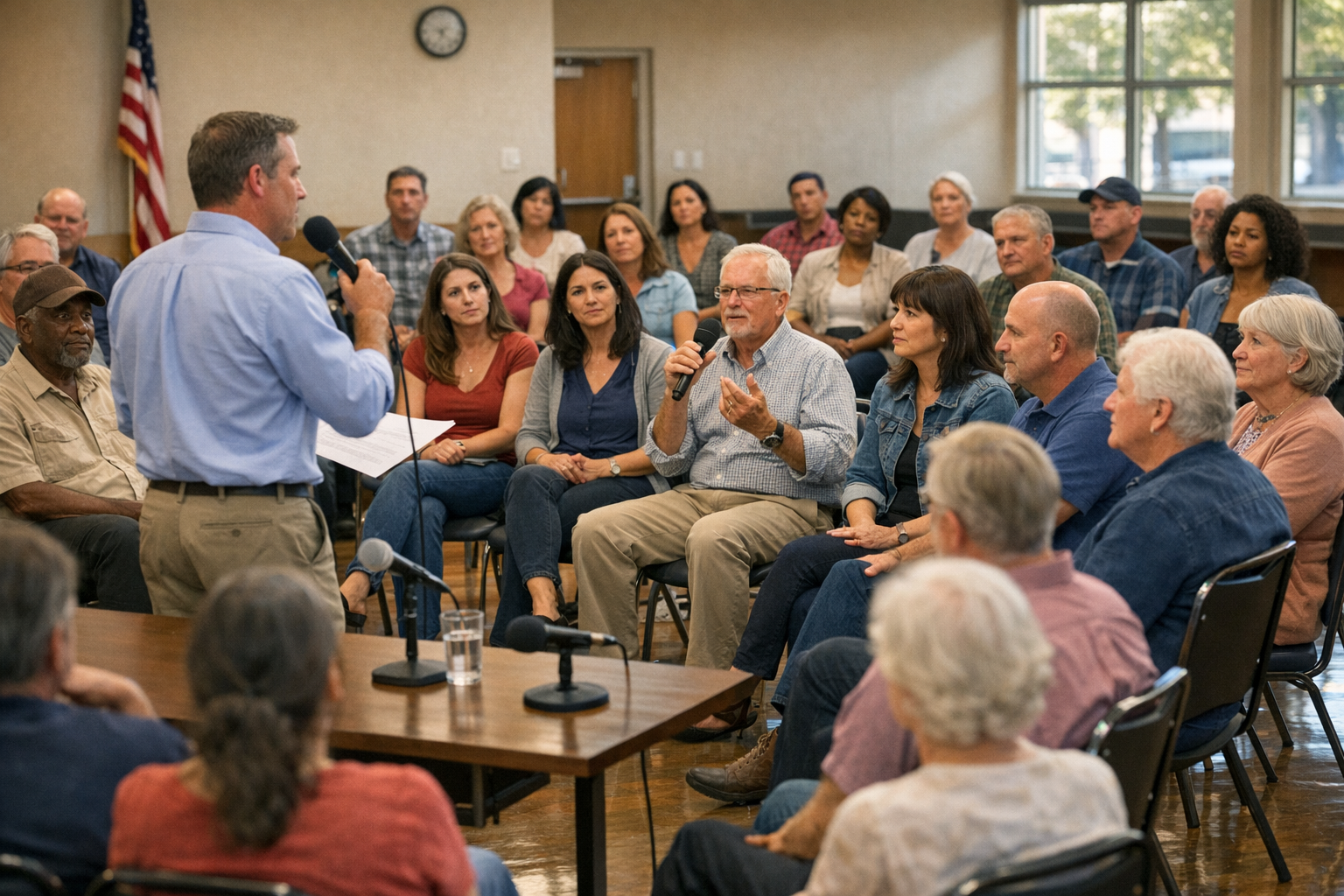
Running a virtual community town hall shouldn’t feel like a one-way webinar. This guide shows you how to run a town hall meeting—complete with a free agenda template, facilitation tips, and follow-up steps—so members feel heard, aligned, and excited to contribute.
Whether you’re managing a global developer community, a customer advocacy group, or an internal employee town hall, this playbook will help you run sessions that leave members genuinely heard and aligned. If you want a plug-and-play framework, Community Launcher offers proven town hall templates and prompts to get you started.
Set Your Town Hall Cadence (Monthly vs. Quarterly)
The first decision is frequency. Monthly town halls work well for fast-moving communities where updates are frequent. Quarterly suits communities where meaningful change takes longer to materialize.
The key principle: never hold a community town hall unless you have something worth discussing and something worth listening to. A town hall without genuine two-way dialogue is just a webinar.
Whatever cadence you choose, make it predictable. Publish your schedule at least a quarter in advance so members across time zones can plan accordingly.
How to Run Inclusive Global Virtual Town Halls
If your community spans time zones, a single live session will always exclude someone. Here are practical approaches to global community engagement:
Rotate time slots. Alternate between two or three time windows so the burden of inconvenient hours is shared equitably. No single region should always get the graveyard shift.
Offer async participation. Share your pre-read materials 48–72 hours in advance and open a thread where members can submit questions and comments beforehand. This ensures voices from every time zone are represented in the live discussion.
Record and summarize. Post a recording within 24 hours alongside a written summary with clear action items. Members who couldn’t attend live should be able to catch up in under ten minutes.
Community Town Hall Agenda Template (Free)
A reliable structure keeps your virtual town hall focused and respectful of everyone’s time. Here’s a template that works across community types:
- Welcome & context setting (3 minutes) — Ground the group in why you’re here today.
- Key updates & decisions (10 minutes) — Share what’s changed, what’s been decided, and why.
- Member spotlight or story (5 minutes) — Celebrate a contribution or share a member’s perspective.
- Open Q&A / discussion (20–25 minutes) — The heart of the session where members speak.
- What’s ahead & how to get involved (5 minutes) — Clear next steps and calls to action.
- Close & feedback prompt (2 minutes) — Thank attendees and point them to a short feedback form.
Aim for 45–60 minutes total. Respect the clock. Ending on time signals that you value people’s commitment.
Download a ready-to-use town hall agenda and question bank from Community Launcher to save setup time.
Town Hall Facilitation Tips That Build Trust
Moderate actively, not aggressively. Acknowledge every question, even ones you can’t answer yet. Saying “That’s an important question and I don’t have the answer today—I’ll follow up by Friday” builds more trust than deflecting.
Use a parking lot. When discussions veer off-topic, visibly capture those points in a shared document and commit to addressing them later. This validates the contributor without derailing the session.
Invite quiet voices. Pose questions directly to segments of your community: “I’d love to hear from members who joined in the last three months—what’s been surprising?” This distributes airtime beyond the usual vocal participants.
Name the elephant. If there’s tension or a controversial topic, address it head-on. Communities trust leaders who don’t shy away from hard conversations. This is one of the most important virtual town hall best practices you can adopt.
Town Hall Follow-Up Checklist (48-Hour Playbook)
The 48 hours after your town hall matter as much as the event itself. Here’s your post-event checklist:
- Publish the recording, summary, and action items within 24 hours.
- Respond to every unanswered question within one week, publicly.
- Close the loop on previous town hall commitments—show what you said you’d do and what actually happened.
- Share a one-question pulse survey: “Did you feel heard today?” Track this metric over time.
Frequently Asked Questions
Where should a town hall agenda template start?
Start with welcome and context setting, then move through key updates, a member spotlight, open Q&A, next steps, and feedback. Keep the full session to 45–60 minutes.
How do you run a virtual town hall that isn’t a monologue?
Share pre-reads in advance, collect questions async, prioritize live open Q&A time, and commit to public follow-up within a week. Structure at least half your time around member voices.
What makes a good town hall Q&A?
A clear timebox, active moderation, a visible parking lot for off-topic items, and direct invitations to quieter members or new joiners.
How often should you hold a community town hall?
Monthly for fast-moving communities; quarterly for slower cycles. The rule: only hold one when there’s real dialogue to be had.
Start Small: Your First Town Hall Steps
You don’t need perfect production quality or a massive audience to begin. Even a town hall with fifteen members, run with intention and follow-through, can become the foundation of a thriving, trust-rich community.
The bottom line: a great community town hall isn’t about broadcasting information. It’s about creating a recurring space where members experience proof that their voice shapes the community’s direction. That’s how trust compounds over time—one honest, well-run session at a time.
Ready to run your next town hall? Grab the free agenda template and facilitation prompts at Community Launcher to make it count.








Leave a Reply